Channels and room size: the decision that matters most
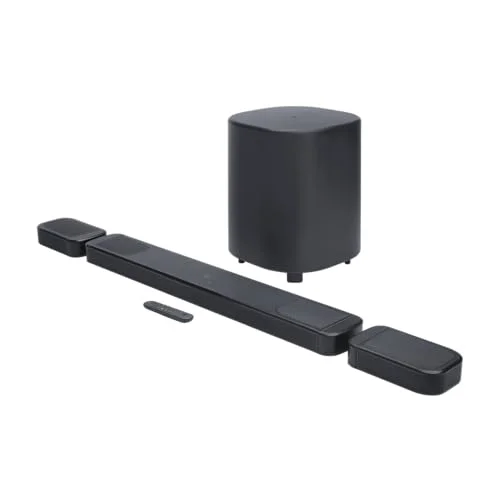
Soundbars are described by their channel layout, such as 2.0, 3.1 or 5.1.2, and matching it to your room is the single most important choice you will make. The first number is the count of main speakers, the second is the subwoofer, and the third (when present) is the up-firing height channels for Dolby Atmos. As a rough guide, a 2.0 or 2.1 bar suits a small room, a bedroom TV or a desk; a 3.1 or 5.0 bar is the sweet spot for a standard living room; and a 5.1.2 or 7.1.4 system suits a large or open-plan room and serious film fans.
The common mistake is assuming more channels are always better. A big 7.1.4 system in a small room is overkill: you pay for surround and height channels you cannot place properly, and a compact bar would sound just as good and look far tidier. The aim is a layout matched to the room and to how much you care about immersive film sound. A dedicated centre channel, found on 3.1 and larger bars, is the most valuable addition for most people, because it is devoted to speech. If you mostly watch TV, news and drama, prioritise that clear centre channel over a high channel count.
Connections: HDMI eARC first, optical as backup
How the bar connects to your TV decides how easy it is to live with. HDMI eARC (or ARC on older sets) is the best option by far: it carries the highest-quality audio, passes the newest surround formats including Dolby Atmos, and lets your existing TV remote control the soundbar's volume, so you are not juggling two remotes. Check your TV has an HDMI port labelled ARC or eARC before you buy — almost all sets from the last decade do.
If your TV has no HDMI ARC port, an optical cable is the next best thing. It is reliable and simple, but it cannot pass the latest, highest-quality surround formats, so you lose some of what a premium Atmos bar can do. Bluetooth, found on most bars, is for streaming music from a phone rather than for TV sound. Every bar in our comparison includes the cable you need for HDMI ARC or eARC, so for most people setup is a matter of plugging in one lead and selecting the right input.
Dolby Atmos and bass: how much do you really need?
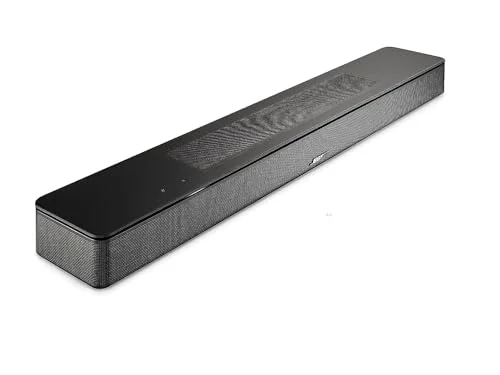
These two features decide how much you spend. Dolby Atmos adds a sense of height, with effects that seem to come from above. The most convincing bars, such as the Samsung HW-Q800C and the Bose Smart Soundbar 600, use up-firing drivers that bounce sound off the ceiling; cheaper bars simulate the effect virtually. Real Atmos is a genuine upgrade if you watch a lot of films and have a flat ceiling, but it is not essential for everyone, and our Dolby Atmos guide explains exactly when it is worth it.
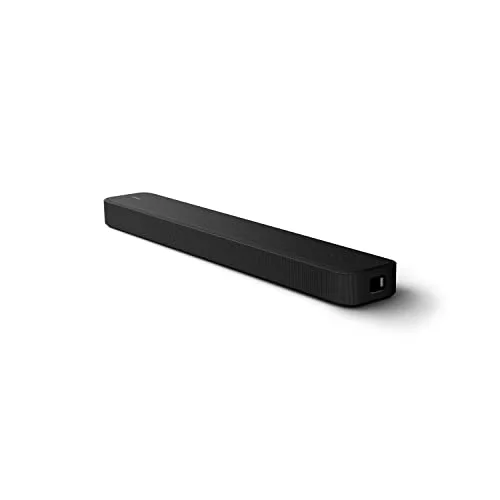
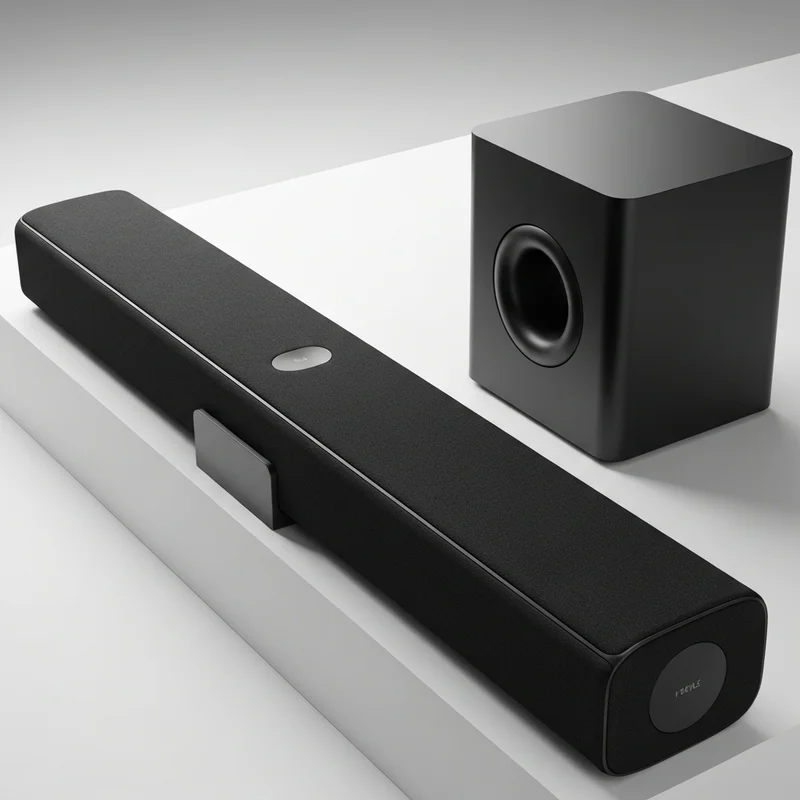
A subwoofer gives the deep, cinematic bass that makes films feel physical. The better systems include a wireless one you simply plug into a power socket. But you do not always need a separate sub: bars like the Sony HT-S2000 build subwoofers into the bar and produce real low end on their own, which is ideal for a small room. Our guide on soundbars with a subwoofer covers when the extra box is worth the space.
Features worth paying for — and ones you can skip
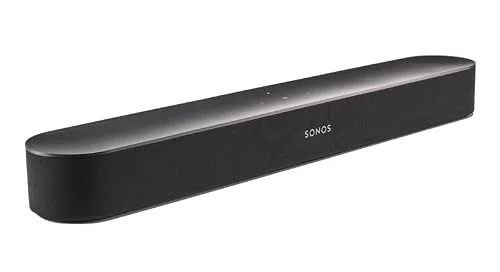
A few features genuinely matter. A dialogue or clear-voice mode earns its keep on any bar, because muffled speech is the number-one complaint about TV audio. Wi-Fi and app streaming, as on the Sonos Beam and Bose, turn the bar into a proper music speaker and enable multiroom audio, which is worth having if you listen to a lot of music. An expandable system, where you can add a wireless sub and rear speakers later, lets you start small and grow.
Other features are nice-to-have rather than deciding factors. Voice assistants are convenient but rarely essential for a TV speaker. Brand buys you build quality, support and resale confidence — worth paying for if you value longevity, but never a substitute for the right channel layout and a good connection. Do not let a long feature list distract you from the basics: clarity, the right size for your room, and HDMI eARC.